Prepare an estimate
Build an estimate for a customer and review the document before sharing it.
Customer documents in your bookkeeping workflow
Prepare estimates and invoices in QuickTracker, convert an estimate into an invoice, record customer payments, and export polished PDFs. Sales documents sit alongside the bookkeeping records and reports you use to review your business.
Try estimates, invoices, and the rest of QuickTracker free for 30 days.
From estimate to payment
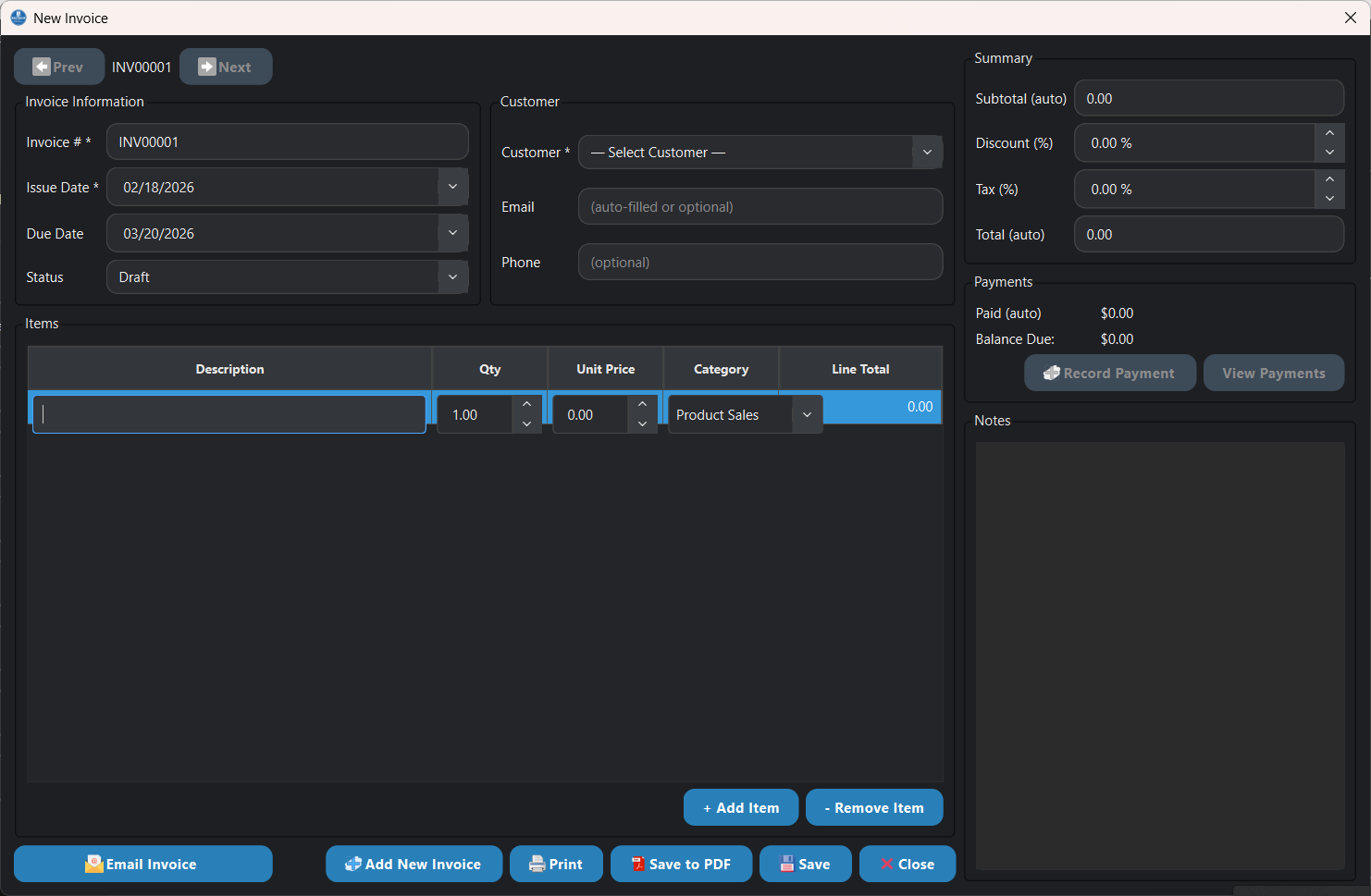
QuickTracker supports a practical document workflow for small businesses that want estimates, invoices, and payment records together with their other financial activity.
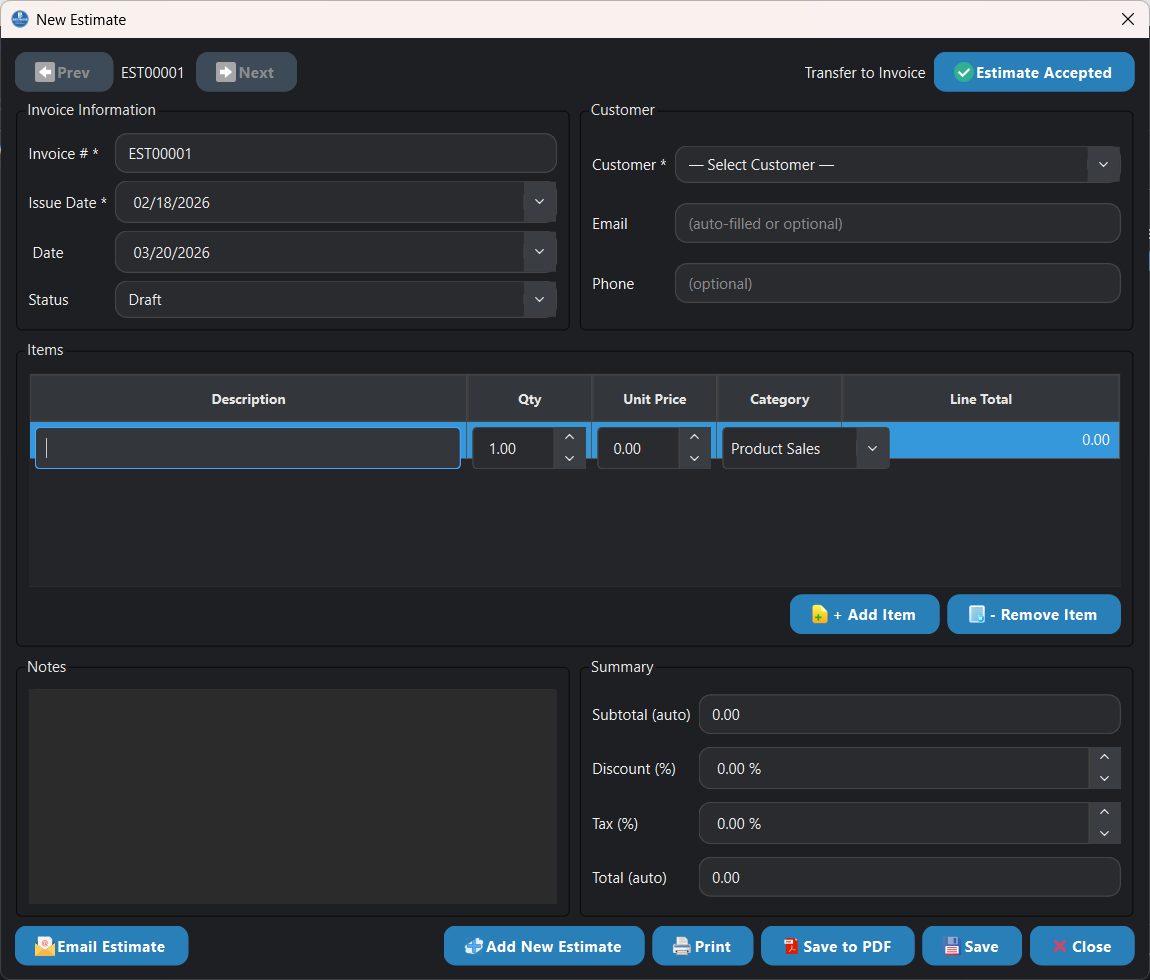
Build an estimate for a customer and review the document before sharing it.
Transfer an estimate to an invoice when you are ready to bill for the work.
Track payments and outstanding customer balances in the app.
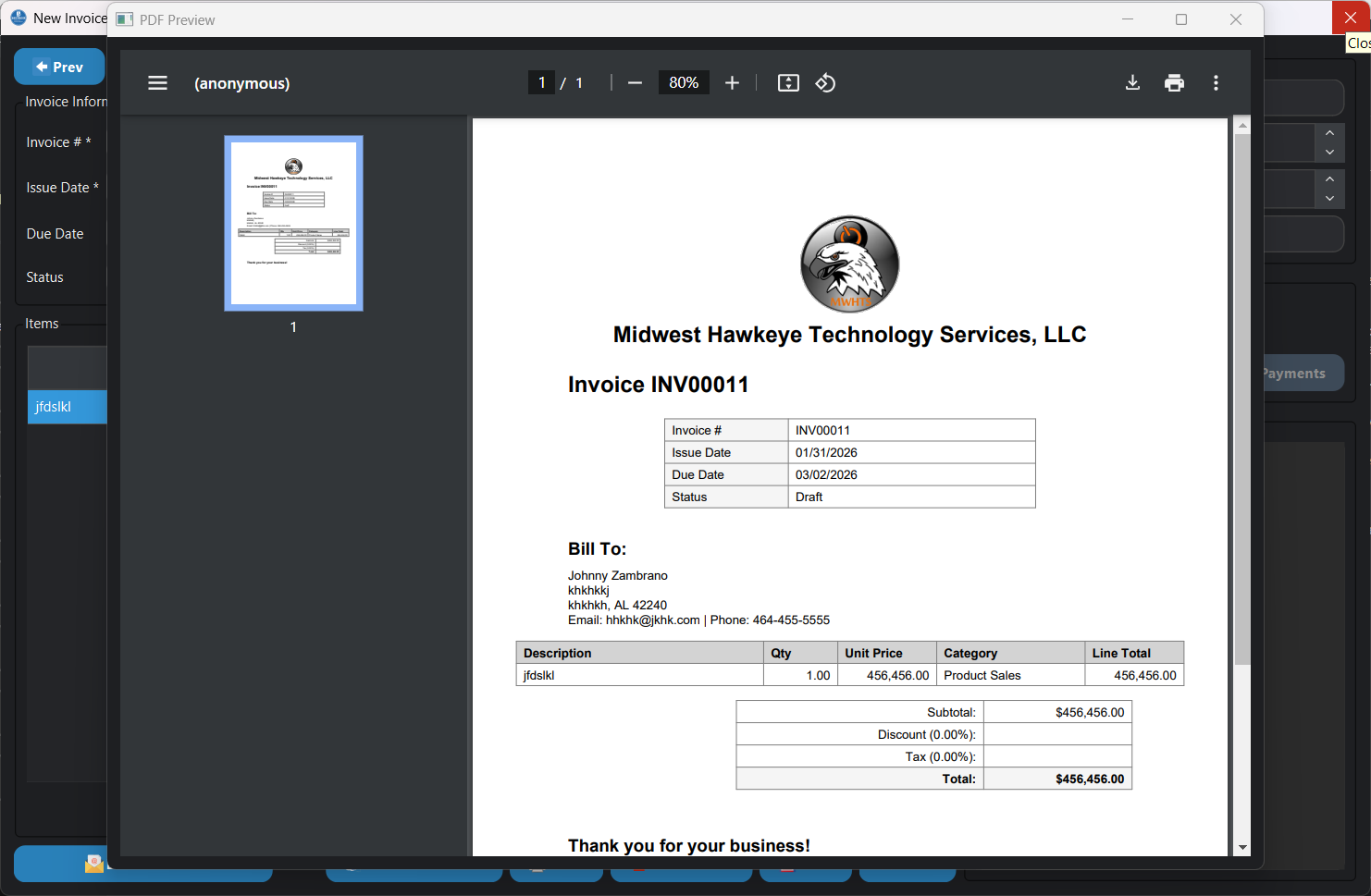
Preview and export customer documents as PDFs for sharing or printing.
Estimate and invoice tools
Create sales documents for customers and keep estimates available to transfer into invoices.
Record payments and review outstanding invoice balances as part of your bookkeeping.
Review invoice and estimate PDFs before sharing them with customers.
Use QuickTracker's reporting tools to review business income and expenses with your other records.